Chicago web design guide
Refresh, Rebuild, or Migrate Your Chicago Website
Keep the Chicago URLs and Google Maps listing that already send calls. Then fix the slow template and the mobile first screen that loses people before they dial.
- Published
- Updated
- Reading time
- 10 minute read
A Chicago website redesign fails when the new site looks cleaner and the phone stops ringing. The old site may sit on a tired GoDaddy theme, a Wix template, or a WordPress install stuffed with plugins. That same site may still hold indexed service pages, neighborhood landing pages, review links, and a Google Business Profile URL that sends walk-ins from Logan Square, Lincoln Park, Wicker Park, Lakeview, River North, the Loop, Pilsen, Oak Park, Andersonville, the Gold Coast, and Naperville. Treat the project as a controlled migration. Protect what already works. Change what blocks calls.
If you need the service overview first, start on the Chicago website design page. If the current site runs on a builder, the Wix and Google Sites comparison covers whether to stay and how to leave. This guide covers the redesign decision itself: refresh, rebuild, or full migrate, plus the evidence, URL map, tracking, and launch checks that keep local search from collapsing after go-live.
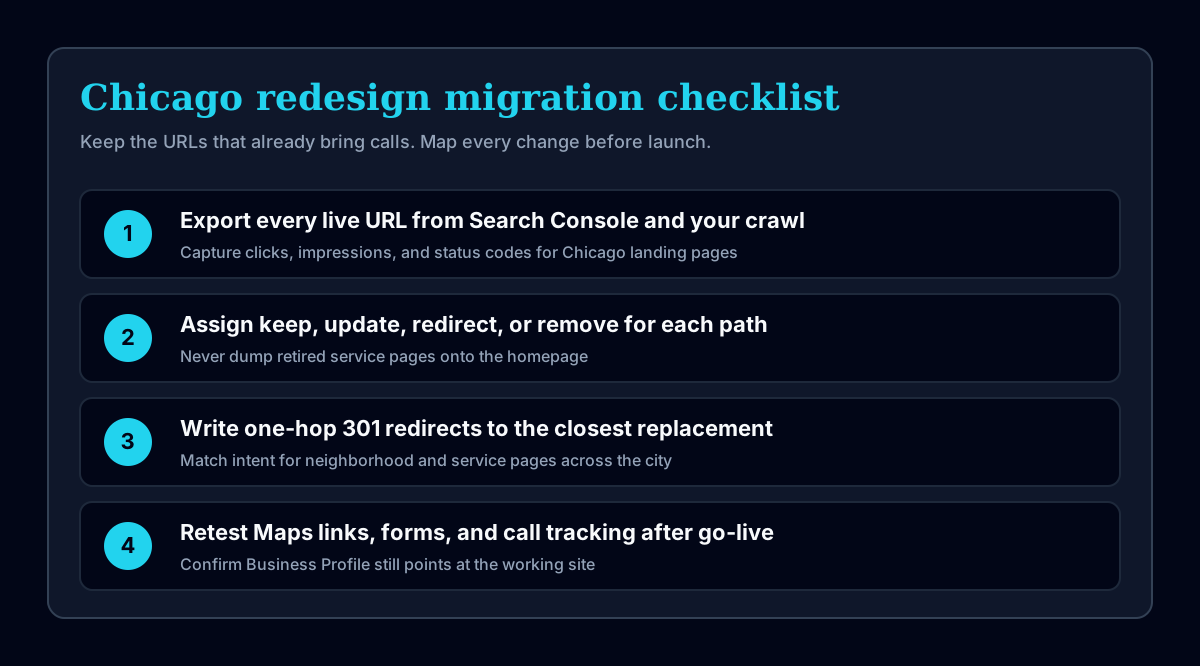
Refresh, rebuild, or redesign?
Most Chicago owners ask for a redesign when they mean one of three jobs. A River North salon may only need clearer photos and a faster first screen. A Lakeview clinic may need new templates because the current mobile menu buries booking. A Loop professional firm may need a platform change because the CMS cannot support the content model anymore. Name the job before you buy a full rebuild.
| Approach | What changes | Use it when |
|---|---|---|
| Content and visual refresh | Copy, images, styles, calls to action, and selected layouts | The structure and platform still work, but the presentation or message is dated |
| Template or component rebuild | Page templates, navigation, reusable components, mobile behavior, and content presentation | The site is hard to use or maintain, but the content model and many URLs can remain |
| Full redesign and migration | Information architecture, content, design system, platform, integrations, and technical setup | The business, platform, or user journeys have changed enough that smaller fixes will leave the main problems in place |
A full rebuild carries the most migration risk. It should not be the default when a focused refresh can fix the problem. If the site already ranks for useful queries and the Business Profile drives calls, keep the URL structure stable while you replace the slow template. If the architecture itself is wrong, plan the migration map before anyone redesigns a hero section. Owners in Andersonville and the Gold Coast often share the same symptom: the brand feels dated. The underlying issue is usually mobile clarity, form reliability, or a template that cannot load quickly enough for local searchers.
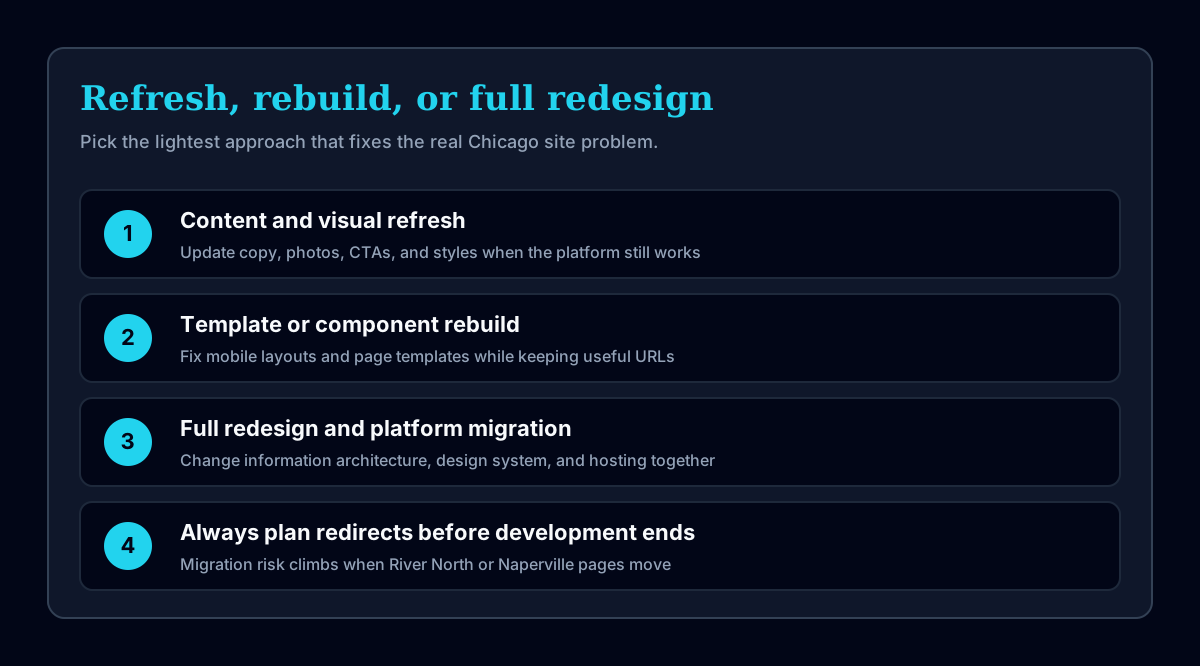
Start with evidence from the current site
Record the baseline before changing navigation, copy, forms, URLs, or tracking. Use at least the last twelve months when the business has seasonal demand. A restaurant near the CTA or a contractor serving Oak Park and Naperville will see different call patterns by month. Mark any analytics configuration changes that make periods hard to compare. Screenshot the current homepage and top landing pages on a phone. Those screenshots become the before evidence when someone later claims the old site was fine.
Search evidence
- Export Google Search Console pages and queries
- Mark pages with clicks, impressions, high-value queries, and external links
- Export indexed and non-indexed URLs
- Save the submitted sitemap and robots.txt
- Crawl titles, descriptions, canonicals, headings, status codes, and internal links
Pay attention to pages that rank for neighborhood or service combinations people already type. A Wicker Park storefront page with steady clicks is an asset. Swapping it for a generic services page during a redesign is a self-inflicted traffic cut. Keep the paths that earn impressions even if the visual design changes around them.
Business evidence
- List the forms, calls, bookings, purchases, and other actions that count as leads
- Record conversion rates by landing page where tracking is reliable
- Identify pages used by sales, support, recruiting, and existing customers
- Collect common questions from emails, calls, proposals, and reviews
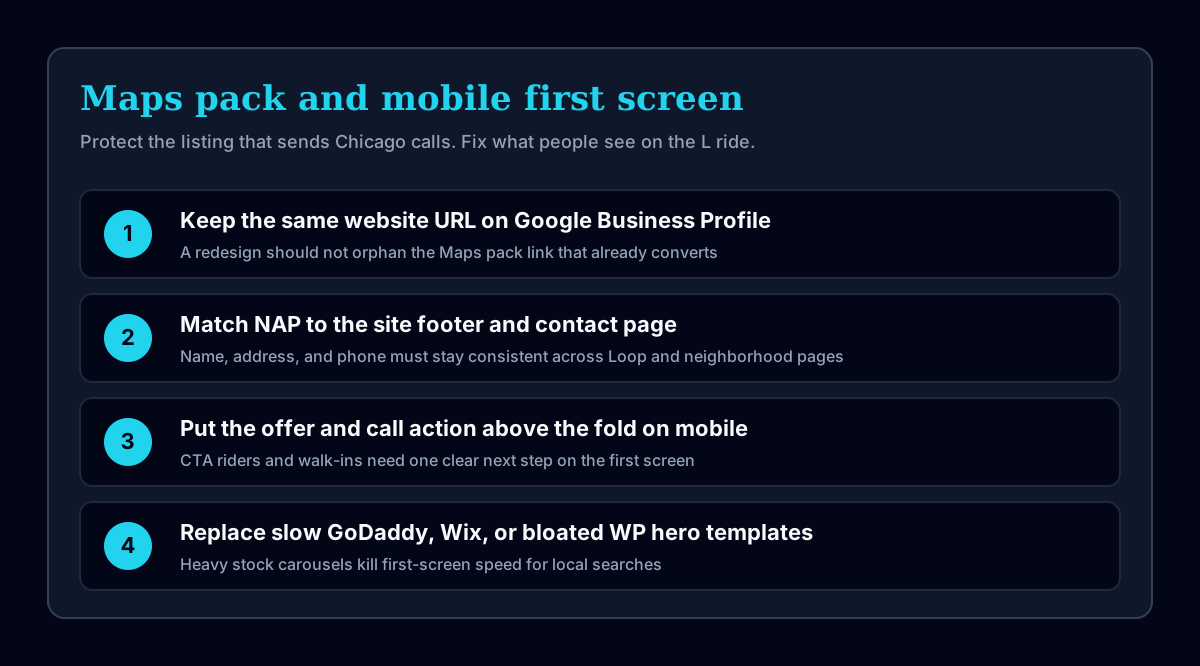
Ask how customers find you today. Many Chicago small businesses get more calls from the Maps pack than from a blog post. If that is true for you, the redesign must protect the Business Profile website field, the phone number, and the landing page that opens after someone taps the listing. See Google Business Profile optimization for the listing work that sits next to the site migration.
Technical evidence
- List the CMS, hosting, forms, analytics, CRM, email, booking, and payment systems
- Record domain, DNS, hosting, Search Console, Analytics, and Business Profile ownership
- Test mobile navigation, keyboard navigation, forms, and common browsers
- Run PageSpeed Insights on the homepage and the main organic landing pages
Slow GoDaddy, Wix, and bloated WordPress templates show up clearly on a phone held on the Red Line. If the first screen loads a stock carousel before the phone number, people bounce. A redesign that only changes brand colors without fixing first-screen speed does not solve the Chicago mobile problem.
Maps pack, mobile first screen, and neighborhood reality
Local search in Chicago is neighborhood-shaped. Someone looking for a dentist near Lincoln Park, a contractor in Pilsen, or a studio in Andersonville often starts in Maps. The pack shows the listing. The listing opens your site. If the site then shows a cramped mobile layout, an outdated menu PDF, or a form that fails on iOS, the redesign brief writes itself. The same pattern shows up for businesses near CTA stops: the visitor has thirty seconds before the next transfer decision. Put the offer, phone number, and primary action on the first screen.
Keep name, address, and phone consistent across the Business Profile, footer, and contact page. If you serve multiple areas, do not invent thin city pages for every ZIP. Write pages with a real job: a service people buy, a location you actually serve, and proof that matches. St. Chrysostom's on Dearborn Parkway is a concrete Chicago address pattern that works because the location and the offer are real. Fake neighborhood pages are not a redesign strategy.
Decide what each page must do
Give every proposed page a purpose, primary audience, search intent, and next action. Pages without a distinct job often become duplicate service pages or city pages with swapped place names. That pattern is common after a redesign when the team tries to cover Logan Square, River North, and Naperville with cloned templates and one paragraph changed.
| Page | Primary job | Evidence needed |
|---|---|---|
| Homepage | Explain the business and route visitors to the right service or proof | Clear offer, service paths, clients, and contact action |
| Service page | Help a buyer decide whether the service fits | Scope, process, pricing approach, work, questions, and next step |
| Case study | Show what the company did for a real assignment | Client, problem, contribution, constraints, output, and verifiable result |
| Guide | Answer one informational search intent | Accurate explanation, sources, examples, and links to the related service |
| Location page | Explain a real local service presence | Local business information, relevant work, service details, and distinct local value |
For restaurants, Friday night traffic still lands on a phone. If the redesign leaves a PDF menu as the only path to hours, specials, and reservations, the first screen fails the people who matter. That problem belongs in the restaurant website design brief as much as it belongs in the redesign migration map.
Build the URL migration map before development ends
Put every current URL in a spreadsheet or database and assign one outcome: keep, update in place, redirect to a close replacement, or remove with a 404/410 when no replacement exists. Do not send every retired page to the homepage. A retired Oak Park service URL that points at the homepage teaches Google the redirect is irrelevant.
Google recommends permanent server-side redirects for moved URLs and warns against irrelevant redirects that can be treated as soft 404s. Read Google's redirect guidance and site-move checklist before launch.
Migration-map fields
- Old URL
- Current status code
- Search clicks and impressions
- Known backlinks
- New URL or removal decision
- Redirect status
- Internal links updated
- Post-launch verification result
Update internal links to final URLs. One-hop redirects only. If the Business Profile, Google Ads, printed materials, or CTA stop posters still point at old paths, add those sources to the map so nothing important lands on a 404 after launch. Include any vanity paths you used on yard signs, mailers, or partnership pages. Chicago businesses accumulate those shortcuts over years, and a redesign that ignores them creates quiet lead loss that never shows up as a neat analytics chart.
Protect the tracking setup
Write the measurement plan before launch. Name the events, conversion conditions, thank-you states, phone tracking rules, consent behavior, and test cases. A redesigned form that sends email but no longer records a conversion creates a false traffic problem in the reports. Owners then blame the redesign for fewer leads when the leads still arrive and the dashboard stopped counting them.
Keep Google Analytics and Search Console in business-controlled accounts. Annotate the launch date and any event-definition changes. Test analytics in a production-like environment without sending test leads into live sales workflows where possible. If call tracking numbers change with the redesign, confirm the number on the site matches the number on the Maps listing for the locations you care about. A mismatch between the Loop office number on the site and the number on the listing creates duplicate listings noise and missed call attribution at the same time.
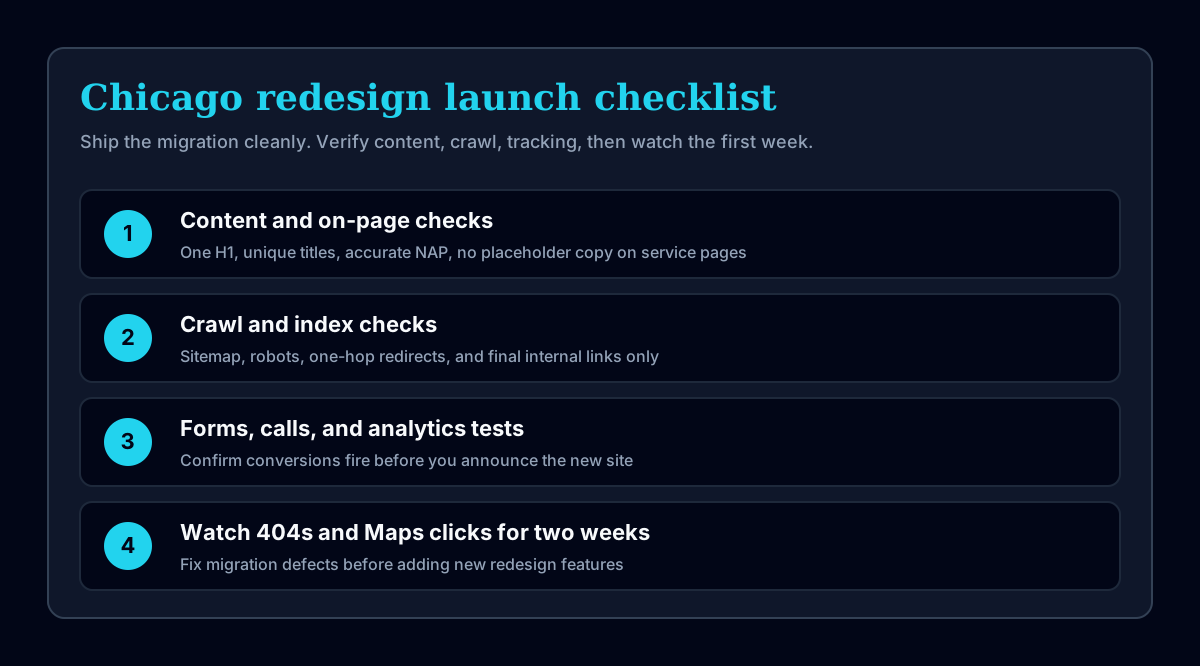
Use a launch checklist
Content and on-page checks
- One descriptive H1 per page
- Unique titles and descriptions for indexable pages
- Self-referencing canonical URLs
- Accurate business names, addresses, phone numbers, prices, and dates
- Useful alt text for informative images
- No placeholder copy, sample reviews, or unsupported claims
Crawl and index checks
- Robots.txt permits required pages and assets
- The XML sitemap contains only canonical 200-status URLs
- Redirects use one hop and point to relevant replacements
- No important page has a noindex directive
- Internal navigation and content links use final URLs
- Structured data matches the visible page
Functional checks
- Forms deliver the right information to the right destination
- Phone, email, booking, payment, and account actions work
- Analytics and agreed conversion events record correctly
- Keyboard focus, labels, error messages, and contrast are usable
- Mobile navigation works at common viewport sizes
- 404 and server-error pages behave as expected
What to do after launch
- Crawl the production site and compare it with the migration map.
- Submit the canonical sitemap once in Google Search Console and Bing Webmaster Tools.
- Inspect the homepage and the highest-value changed pages.
- Check forms, calls, and analytics with real production tests.
- Watch 404s, redirect errors, indexing changes, organic landing pages, and conversions.
- Fix migration defects before adding new redesign features.
Do not request indexing for every URL repeatedly. Submit the corrected sitemap, inspect the priority pages, and let the crawl signals stay consistent. Watch Maps actions and phone calls for the first two weeks. If a Gold Coast or Naperville landing page that used to convert now 404s, fix that before you debate button radius.
Redesign pricing at Intuico Digital
Intuico custom website builds start at $2,500. Small sites may fit our $349/month Managed Website plan, or a Starter build we hand off (an estimated $199) instead. A redesign quote depends on the existing page count, content migration, integrations, design scope, and search-preservation work. The pricing guide lists the current plan details and first-year totals, and our comparison of affordable Chicago web designers shows how they stack up against other local options.
Send the current URL and required changes through the project form. The first useful deliverable is a written recommendation: refresh, partial rebuild, or full redesign with a migration map. You can also review the live service offer on Chicago website design before you request a quote.
Get a written website scope and price
Tell us what you need, what already exists, and what the site must do. We will reply with the recommended approach and a no-pressure quote.
Request a quote