Intuico Digital
Built for iPhone
FitLock keeps your health first.
Turn steps or active calories into tomorrow's screen time. FitLock protects distracting apps until your movement goal comes first.
How it works
A stricter phone habit, tied to movement you can measure.
Move first
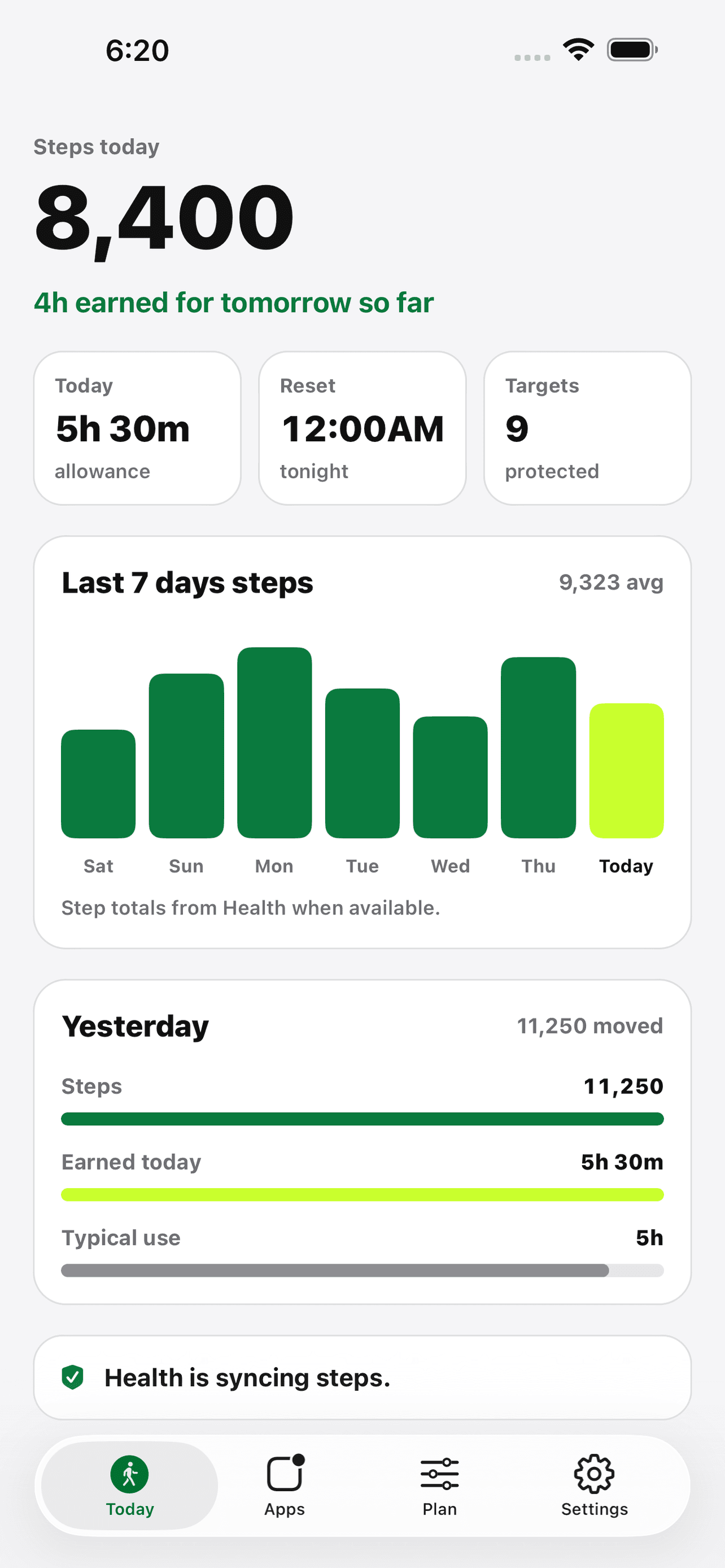
FitLock reads your daily step count or active energy from Apple Health after you grant permission.
Earn access
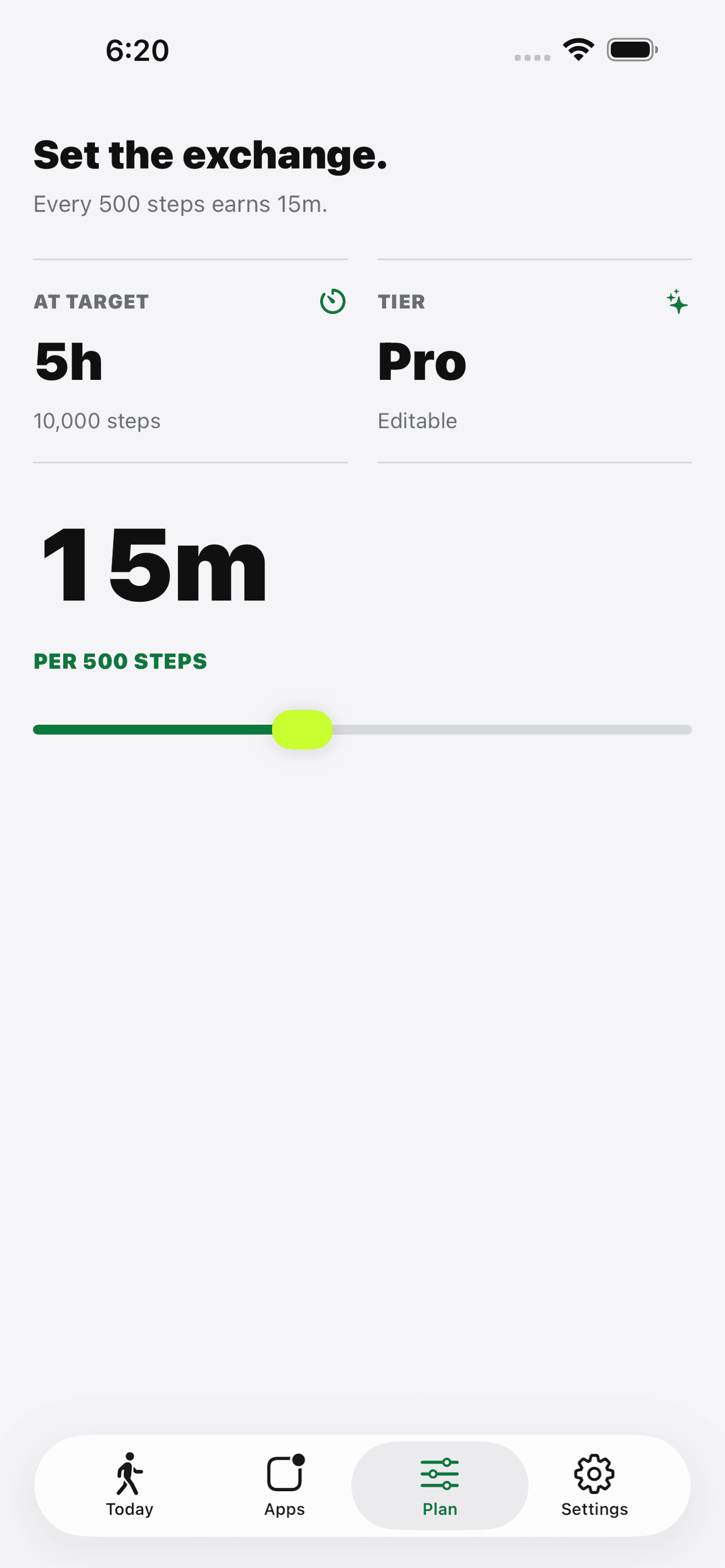
Your rule converts movement into a clear screen-time allowance for the next day.
Stay protected
When the allowance is gone, FitLock shields the apps you chose until the next reset.
Privacy by default
Health and Screen Time data stay under your control.
FitLock does not create an account, does not sell Health data, and does not run ads. Apple Health permissions and Screen Time selections can be changed from iOS settings.
Built for people who want real friction.
FitLock is intentionally simple: choose a movement metric, choose what to protect, and let the lock do the hard part when motivation is low.
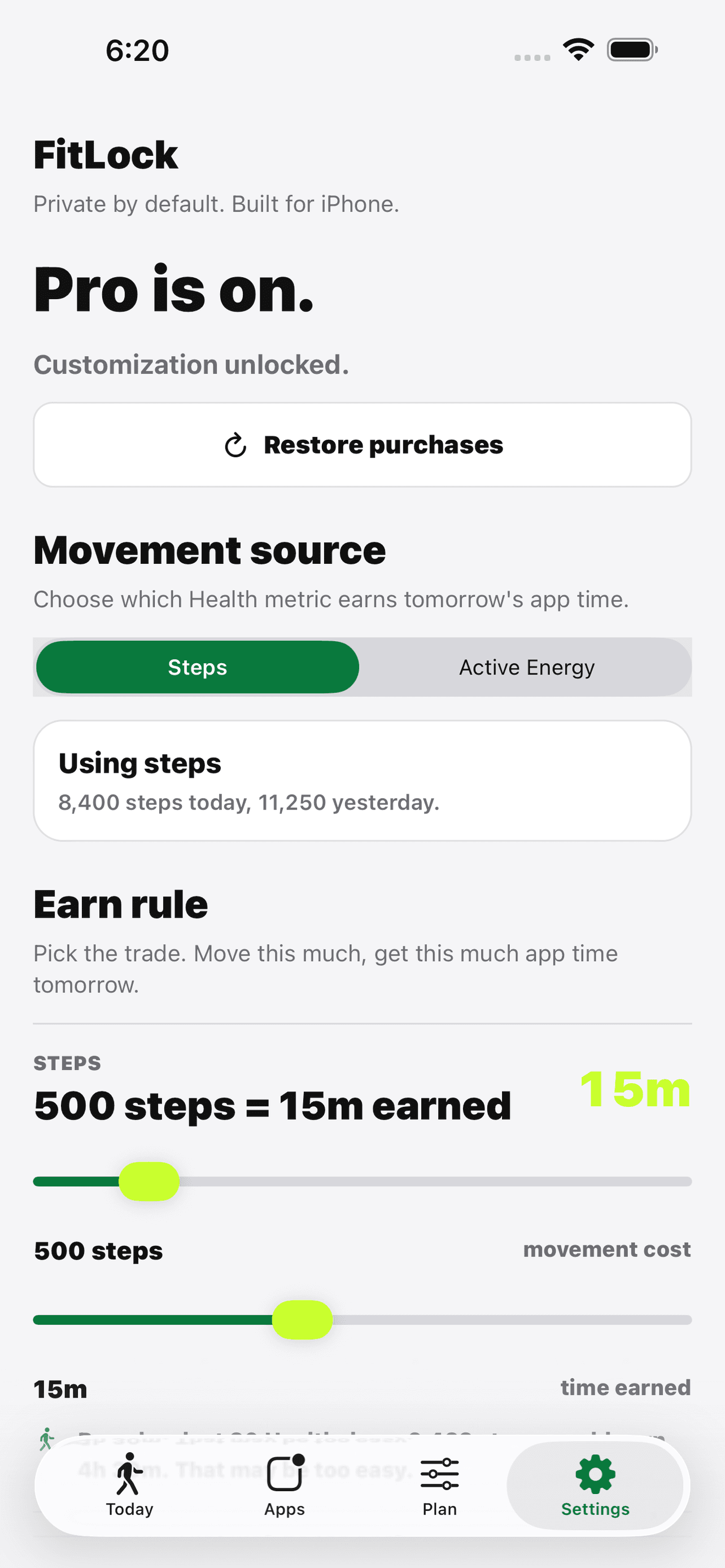
Steps or active calories
Choose the Apple Health metric that feels easiest to trust. FitLock can use step count or Active Energy to calculate your screen-time budget.